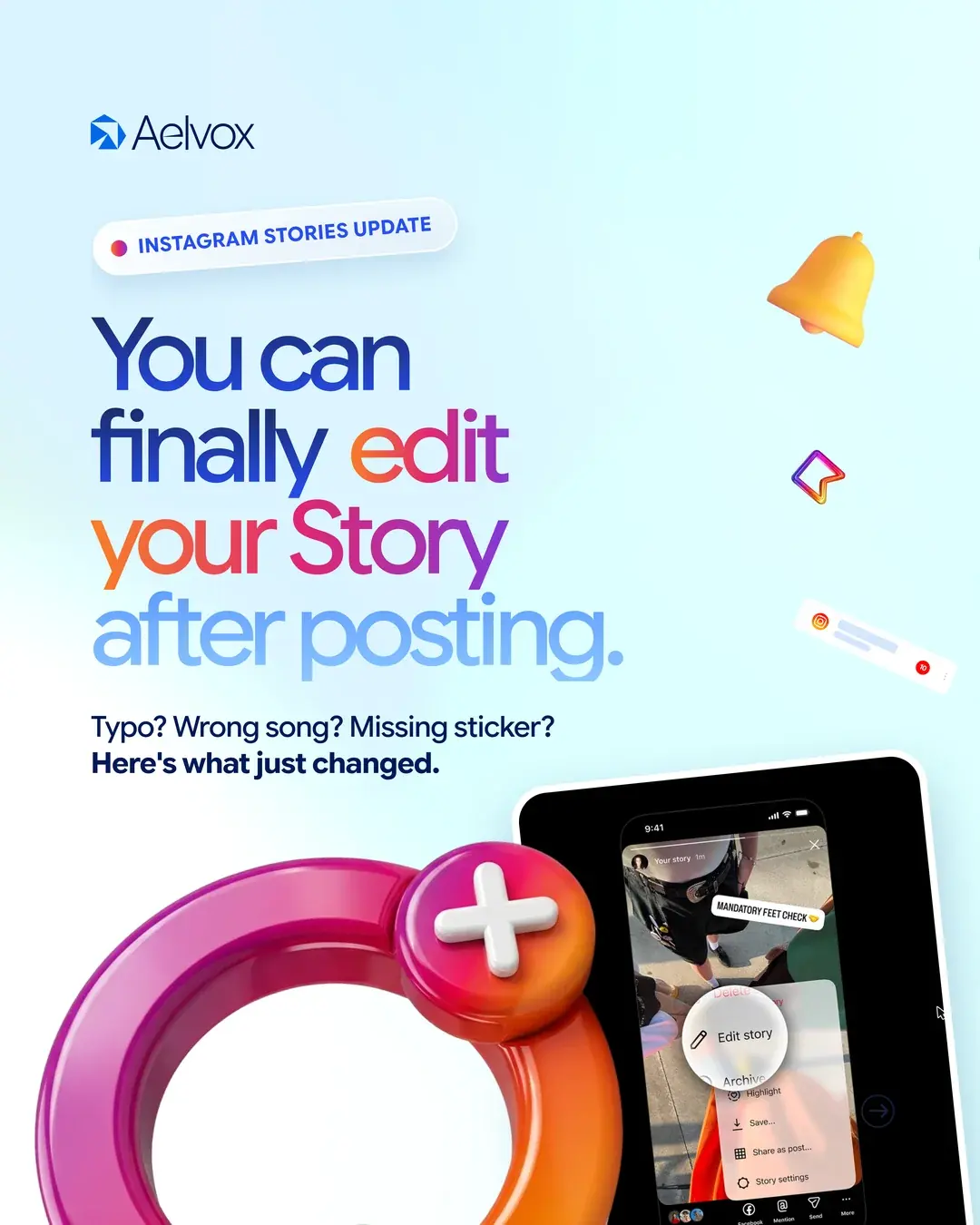
You can now edit your Instagram Story after posting
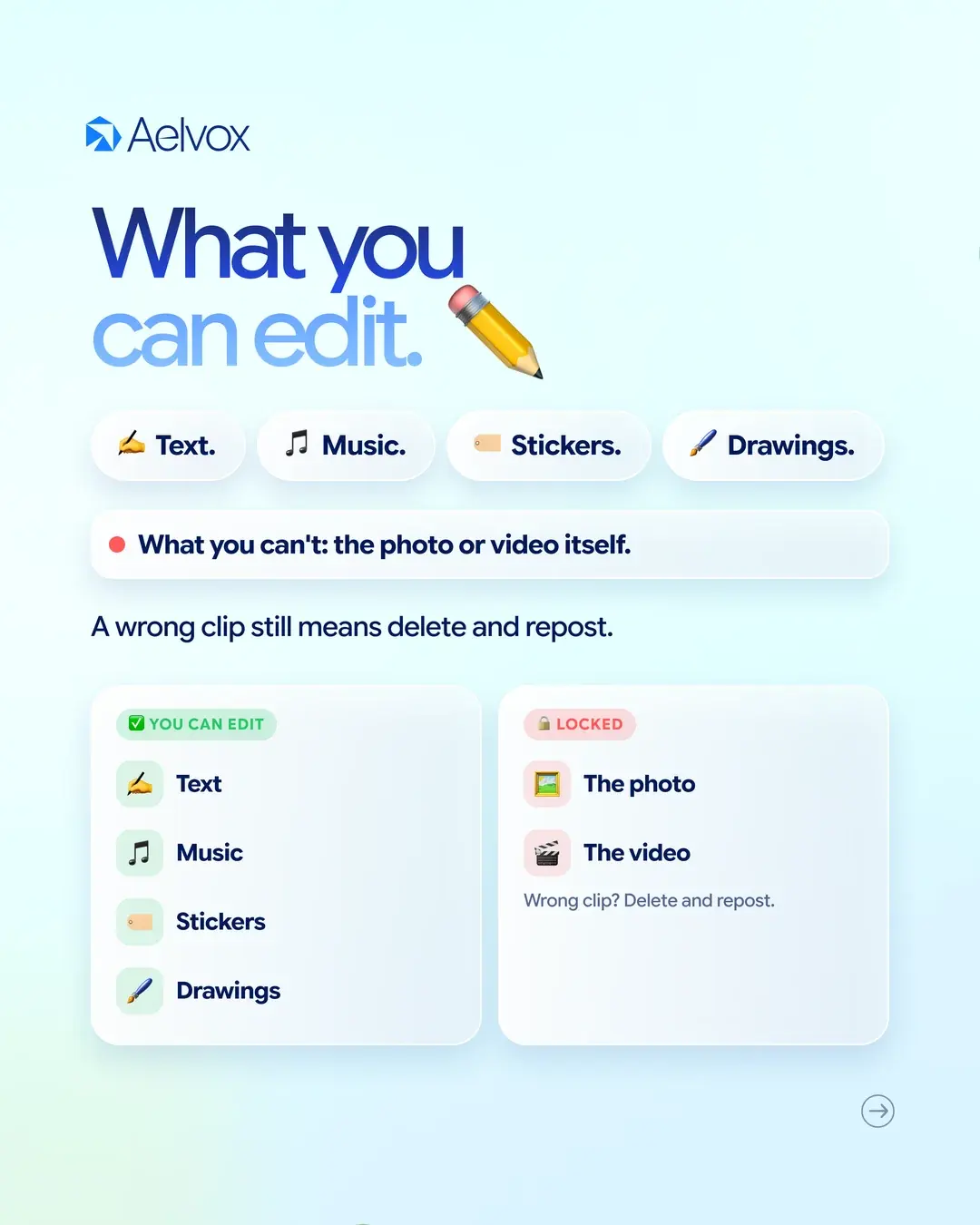
Typo, wrong song or missing sticker? Instagram now lets you fix text, music, stickers and drawings on a Story for up to 15 minutes after posting, without losing your views, likes or replies.
What changed
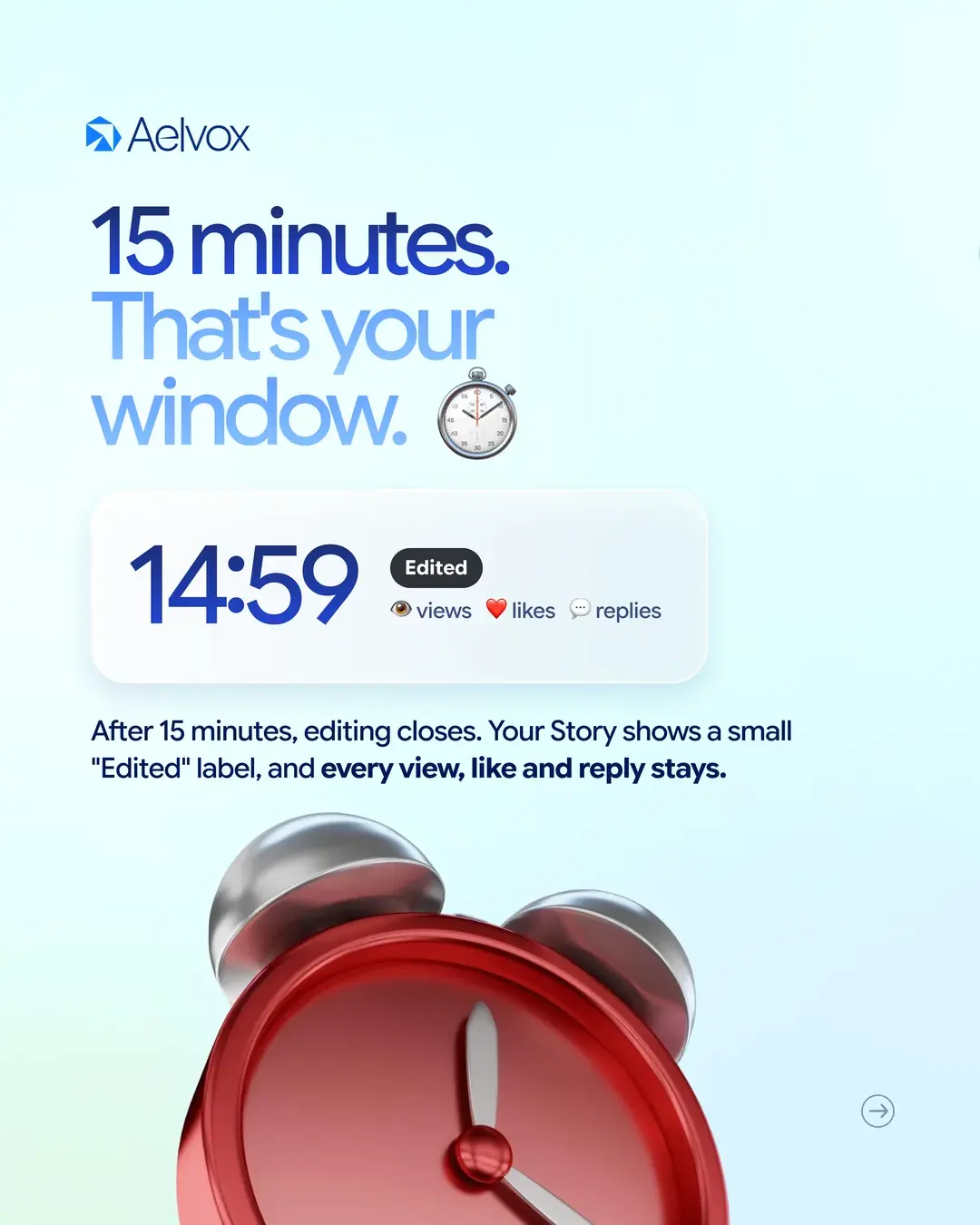
Instagram now lets you edit a Story after you share it. For up to 15 minutes after posting, you can change the text, music, stickers and drawings, and the Story keeps its views, likes and replies. Head of Instagram Adam Mosseri announced it on 18 November 2026.
What to do
- Watch your Story once right after you post it. You have 15 minutes to catch a typo before most of your audience sees it.
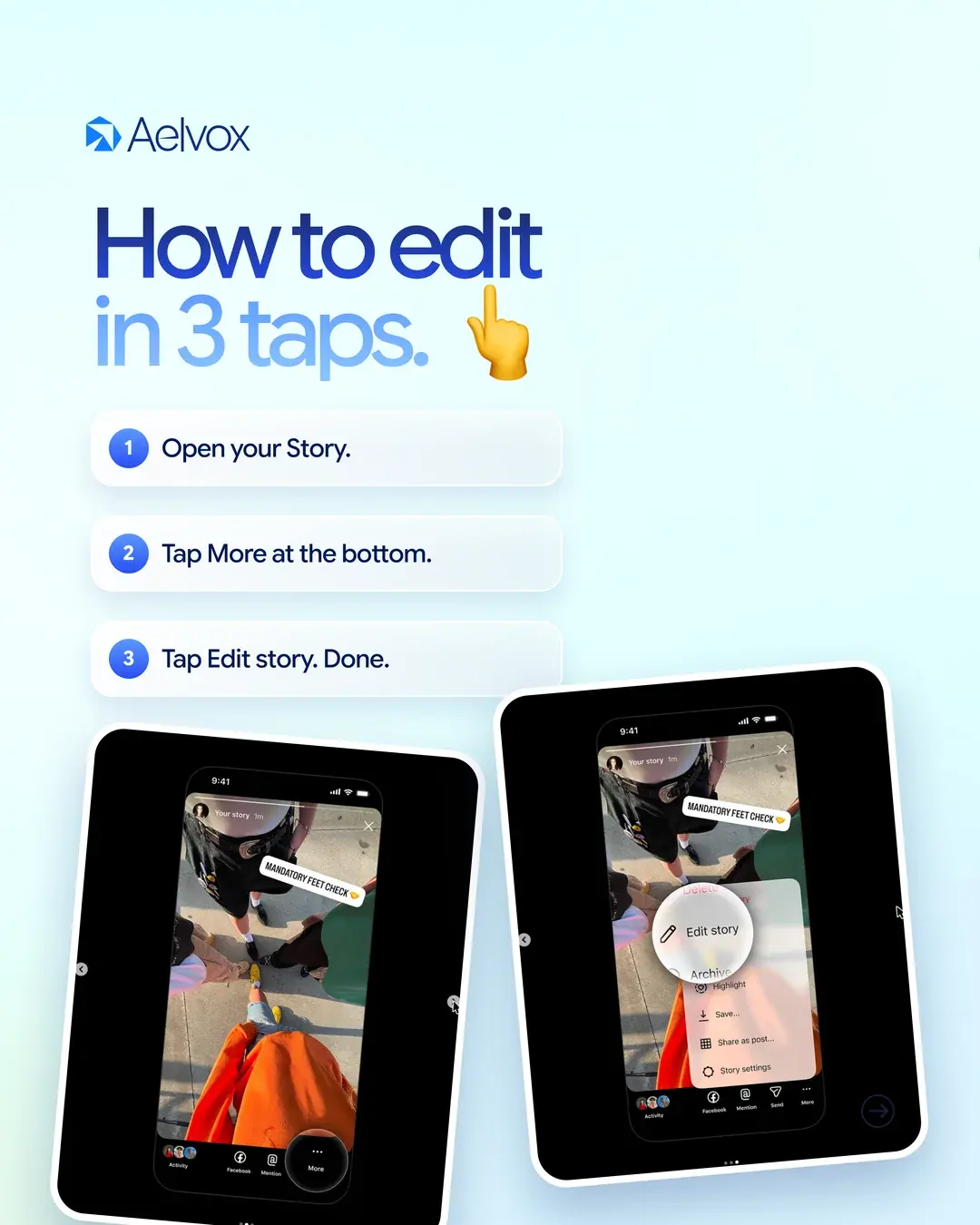
- To edit: open your Story, tap More at the bottom, then tap Edit story.
- Stop deleting Stories that are already getting views just to fix a small mistake. Edit them instead and keep the views, likes and replies.
- Posted the wrong photo or clip? The edit only covers text, music, stickers and drawings, so you still need to delete and repost.
The carousel
Swipe through the version we posted on Instagram.



Why it matters
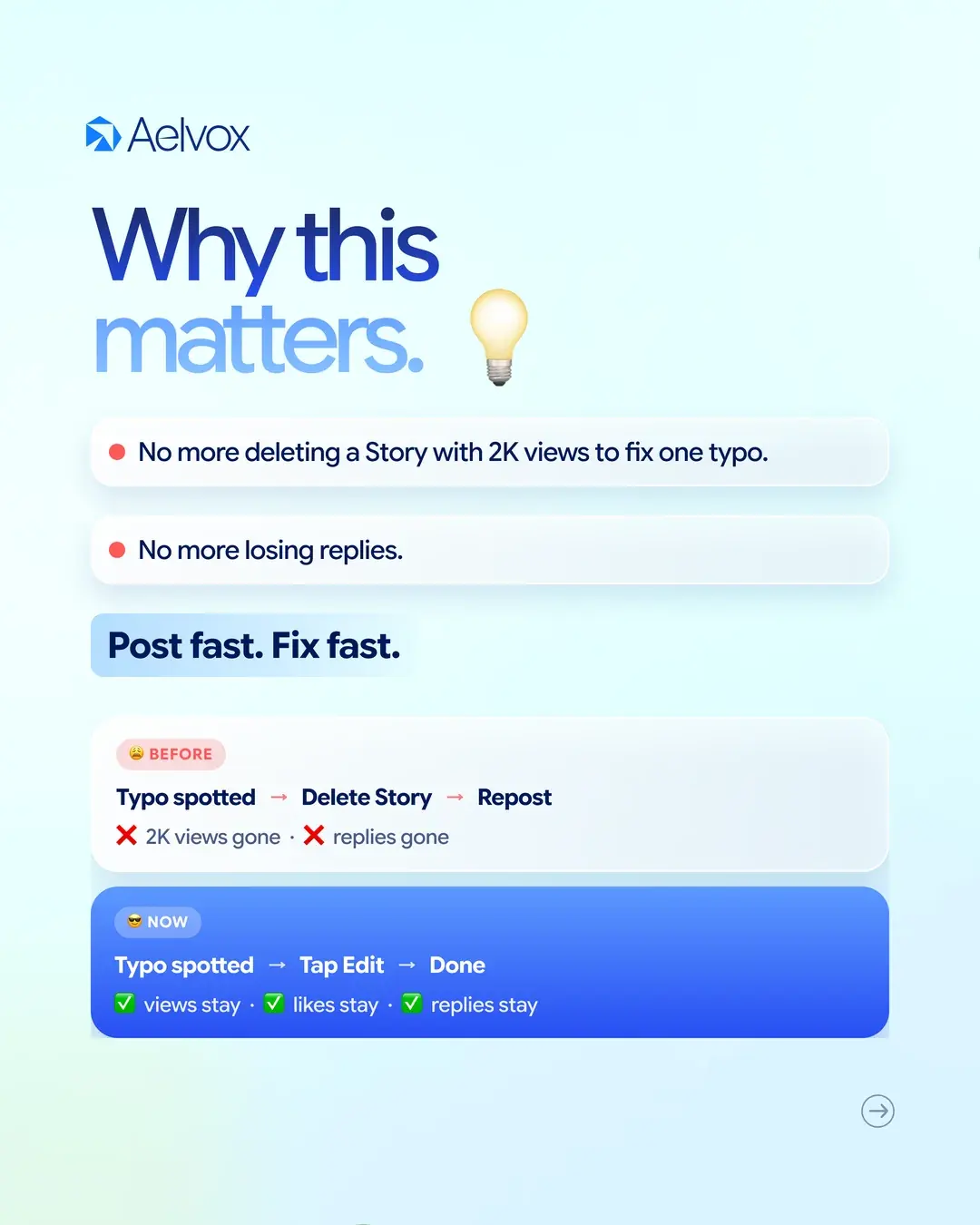
Until now, a typo in a Story meant deleting it and posting again, and losing every view and reply it had already collected. Now a quick fix keeps all of that. The Story shows a small “Edited” label once it has been changed.
Before: typo spotted, delete the Story, repost, and the views and replies are gone. Now: typo spotted, tap Edit, done, and the views, likes and replies stay.
Your 15-minute window
- 0:00: post your Story.
- About 1 minute: watch it once.
- Spot a mistake: fix it with Edit story.
- 15:00: editing closes.
What we don’t know yet
Instagram hasn’t said when the feature reaches every account and country. Some people say they can’t see Edit story yet. If it’s missing for you, update the Instagram app and check again over the next few days.